
The internet, unblocked
Blocked services open up while local sites stay fast - Prostor splits the traffic for you.
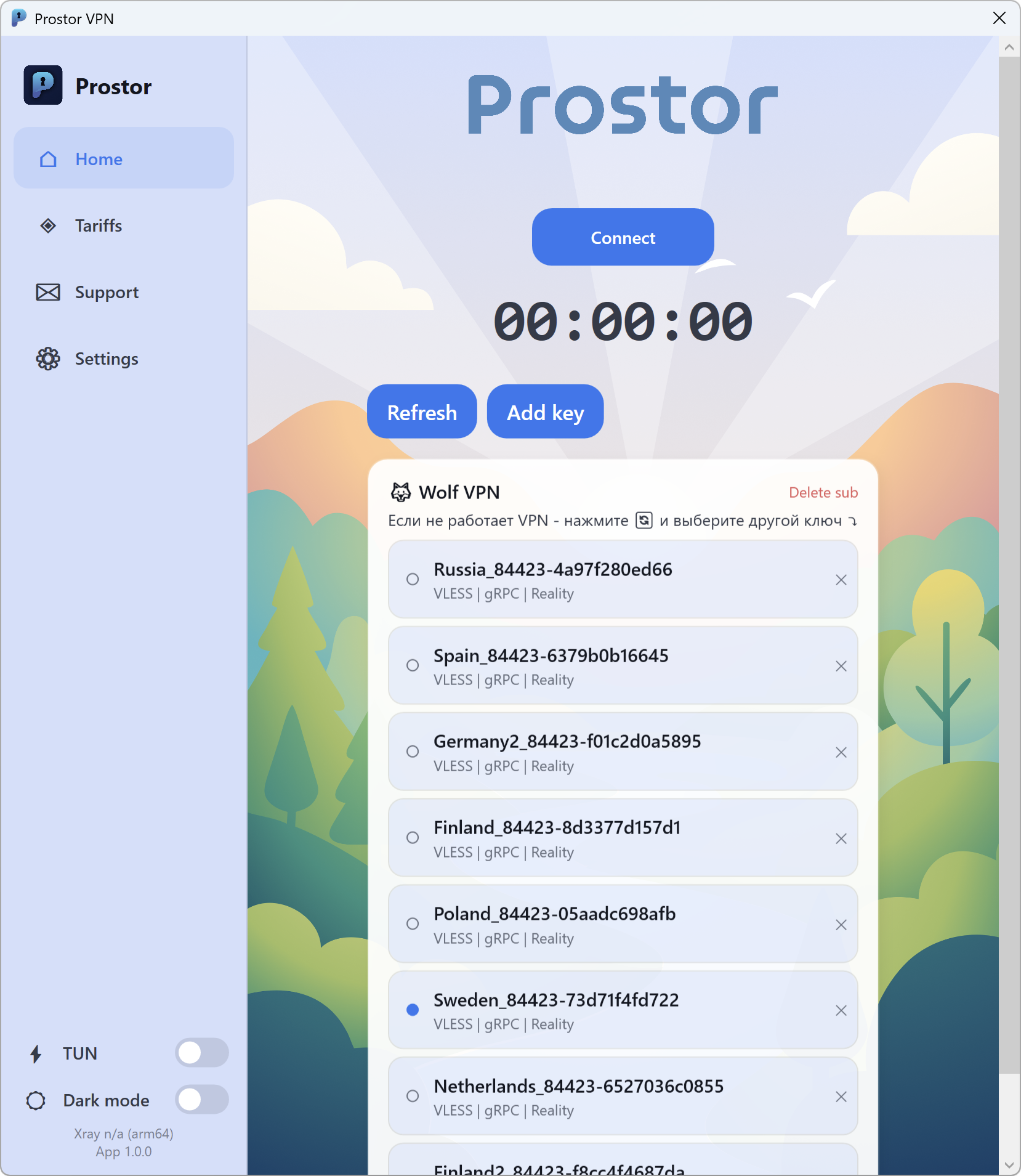
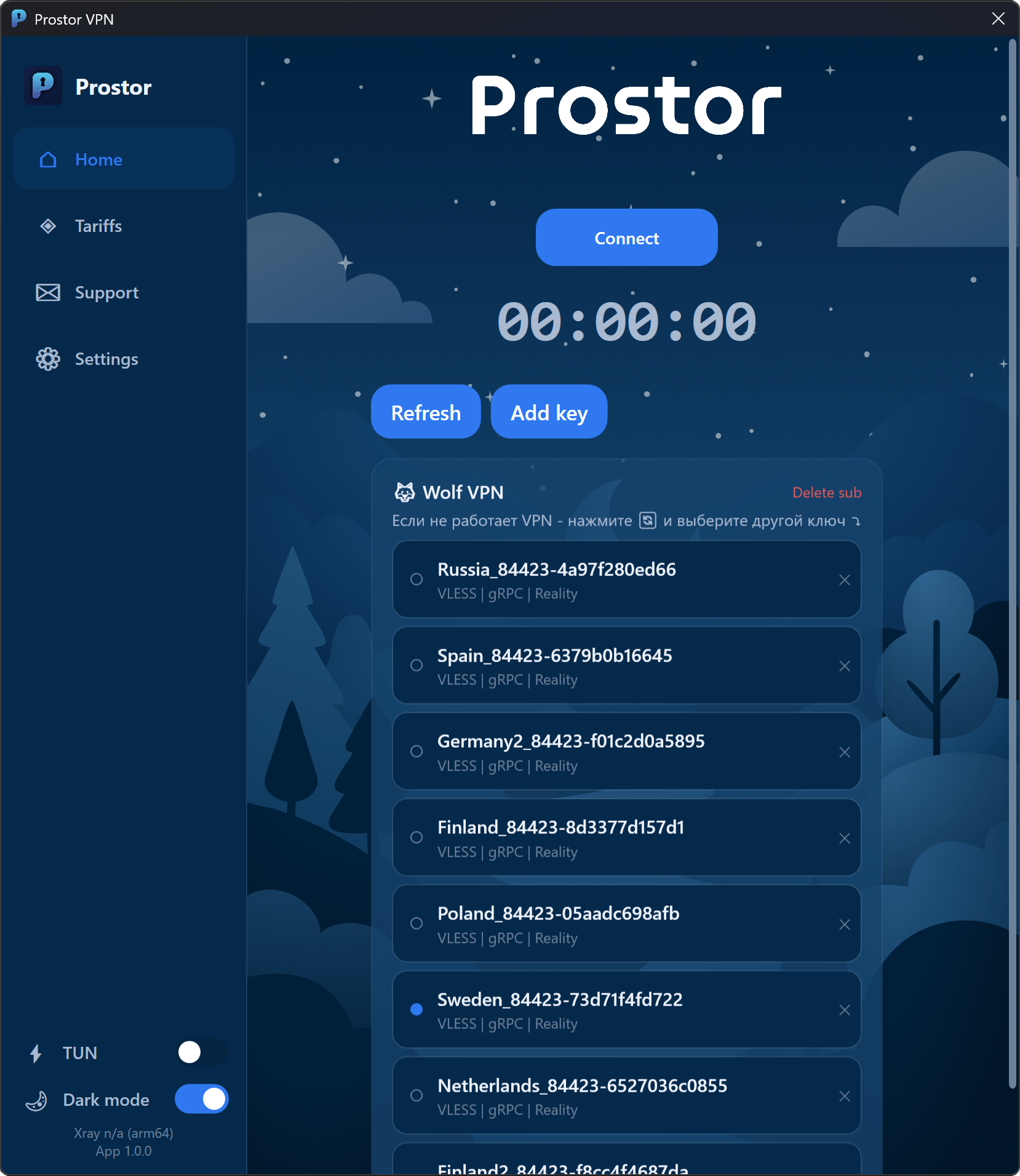
The only client where both your own key and a ready-made subscription work - no hopping between apps.
What is Prostor?
At the heart of Prostor is split tunnelling, which means:
foreign services open through a secure Xray proxy channel
local services and banks are reached directly - no loss of speed or access
add keys and subscriptions from any vendor, or subscribe inside the client
Why split tunnelling matters
An ordinary VPN pushes every packet through one server - and your bank, government portal and local sites start crawling or stop opening at all
So you end up turning it on and off by hand for every task
That is slow and annoying
Prostor uses split tunnelling: local services go direct, foreign ones go through the proxy. Automatically
Your own keys and subscriptions
Already have a key or a subscription from another service?
No need to hunt for a separate app for every protocol
Paste your key - it just works
Prostor runs on the Xray core: VLESS, Hysteria2 and subscriptions from any vendor are added in one click
Or a subscription inside Prostor
No key of your own? Not a problem
Take a subscription right in the app and pick a server from the available locations
Everything works out of the box - no manual setup
One-click connection, steady speed and split tunnelling already switched on
How much does Prostor cost?
The app is free. Connect your own key and you pay nothing. No key? Take a subscription right inside
With your own key
Free
forever
- The app itself is free
- Add a key or a subscription from any service
- One-click import - no manual setup
In-app subscription
Subscription
plans are shown in the app
- No key of your own? Not a problem
- Subscribe right inside Prostor
- Pick a server from the available locations
Use the services you love
Access to every tool you need, including the ones that stopped working in your region



















Download Prostor
Available for Windows 10 and 11, macOS, iOS and Android
6
Protocols out of the box
VLESS, VMess, Shadowsocks, Trojan, Hysteria and Hysteria2 on the Xray core - a key in any format simply works
1 click
Key import
Paste a key or a subscription link from any vendor - Prostor picks the settings up itself, nothing to type in by hand
0
Logs about you
We collect no logs and track no activity. Keys and settings are kept on your device only
Security as evidence, not a slogan
After user configurations leaked from Happ through an unprotected API, we think privacy claims should be backed by specifics rather than slogans.
What happened at Happ and how we differKeys never leave your device
The keys and vendor subscriptions you add are stored locally in the app and are never sent to our servers.
No traffic logs
We do not record browsing history, the contents of transmitted data or DNS queries. Technically we collect the bare minimum - the app version and aggregated server load statistics.
Passed an independent security audit
Prostor has been reviewed by an external security audit - a rarity among clients in this niche, where most stop at declarations.
The full list of processed data is in the Privacy Policy.
Who is Prostor for?
Streaming and video
YouTube, Twitch and foreign streaming services open and stay smooth. 4K video without the "not available in your region" wall
Messaging
Telegram, WhatsApp, Discord and social networks work reliably. Discord voice chat without drops or lag
AI services
ChatGPT, Claude, Gemini and Midjourney block access by IP - that is the service restricting you, not your ISP, which is why local DPI tricks like Zapret cannot help. Prostor routes your traffic through a foreign server, and the services open
Learn moreGamers
Steam, Epic Games, Battle.net and Discord voice chat. Foreign games and servers without lag or manual switching
Learn moreRemote work
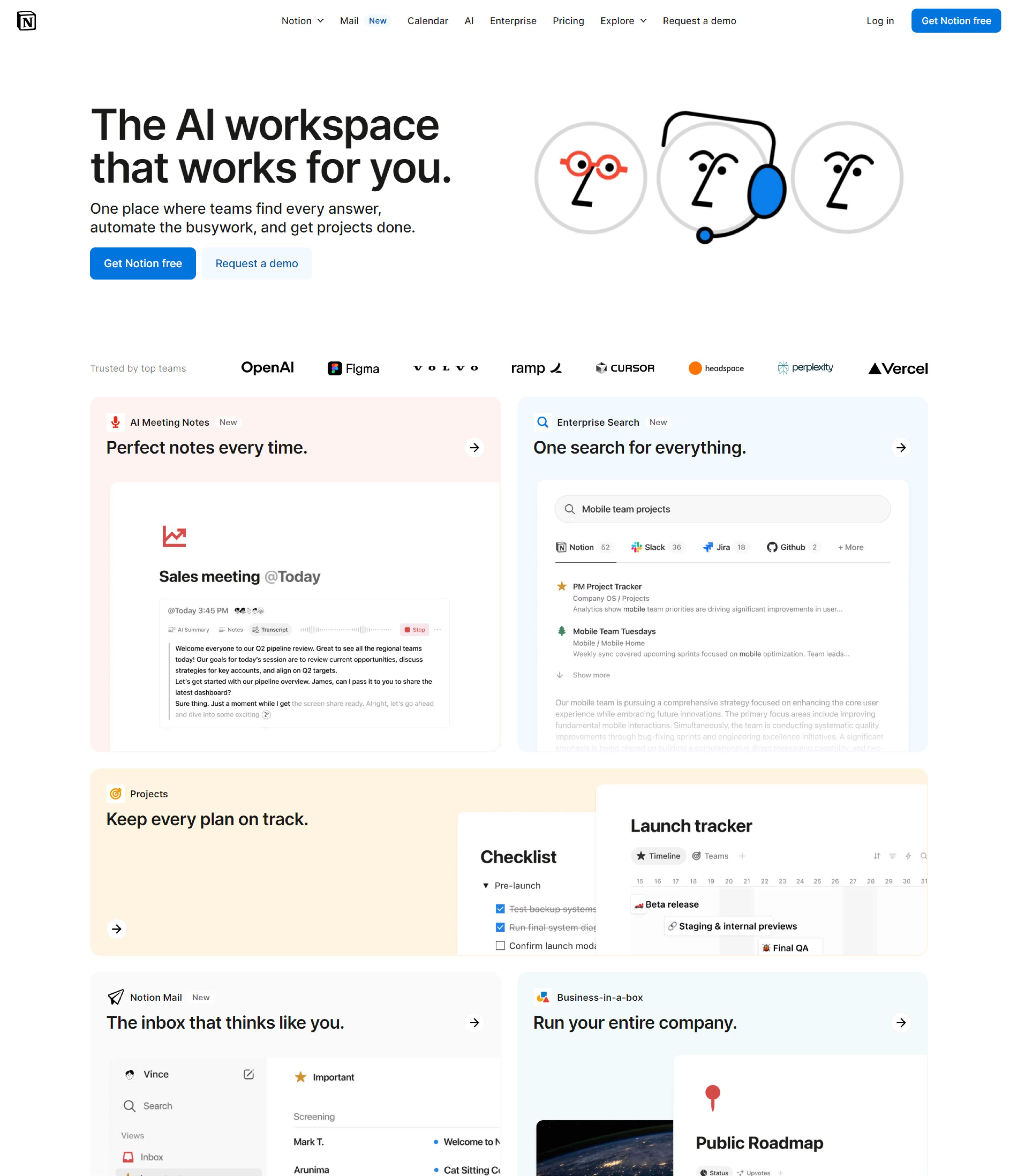
GitHub, Notion, Slack and Google services are open while local banking and government portals keep going direct. None of the conflicts an ordinary VPN creates
Students
Google Docs, research databases and foreign courses are available while your university portal keeps working as usual - nothing to switch
Used Zapret or GoodbyeDPI?
Zapret bypasses DPI locally, so every ISP update sends you back to picking a strategy, and services that block by IP - ChatGPT, Claude - stay out of reach anyway. Prostor solves that with a tunnel through a foreign server: no scripts, no strategies, no command line - just press Connect.